
Changelog.
Introducing Doc Links!
- Easily create links between two notes by using the
[[command, and selecting an existing note. - Doclinks are visually distinct from regular links, however they follow a very familiar markdown format of
[[File Name]] or [[Folder Name/File Name]] - Each note is carefully monitored to check for updates to workspace to ensure Broken Links (when files get deleted, or renamed) to be shown appropriately (they become yellow with one-click ability to create them in the same place they existed before)
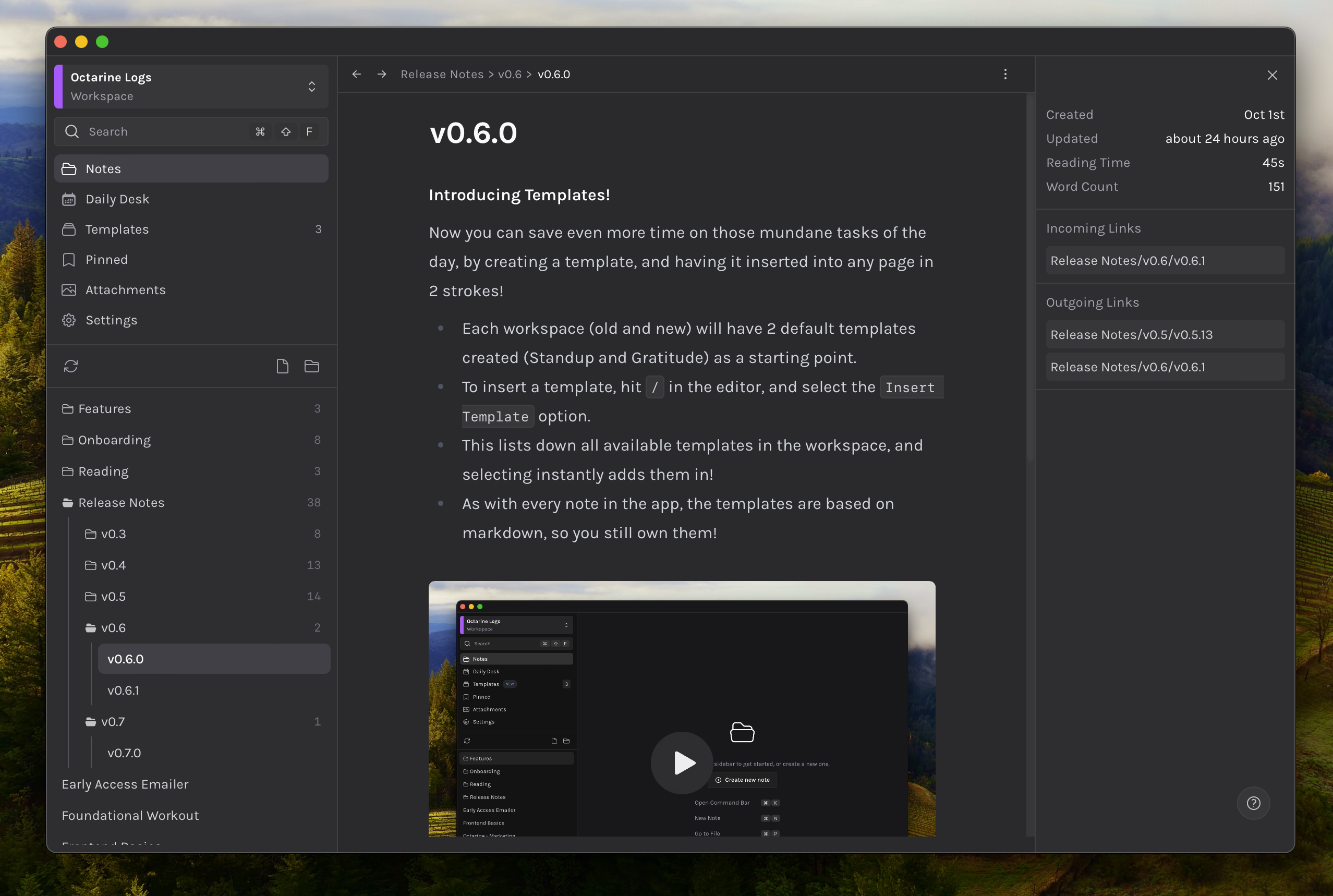
A new sidebar appears!
What’s better than one sidebar, TWO SIDEBARS!
-
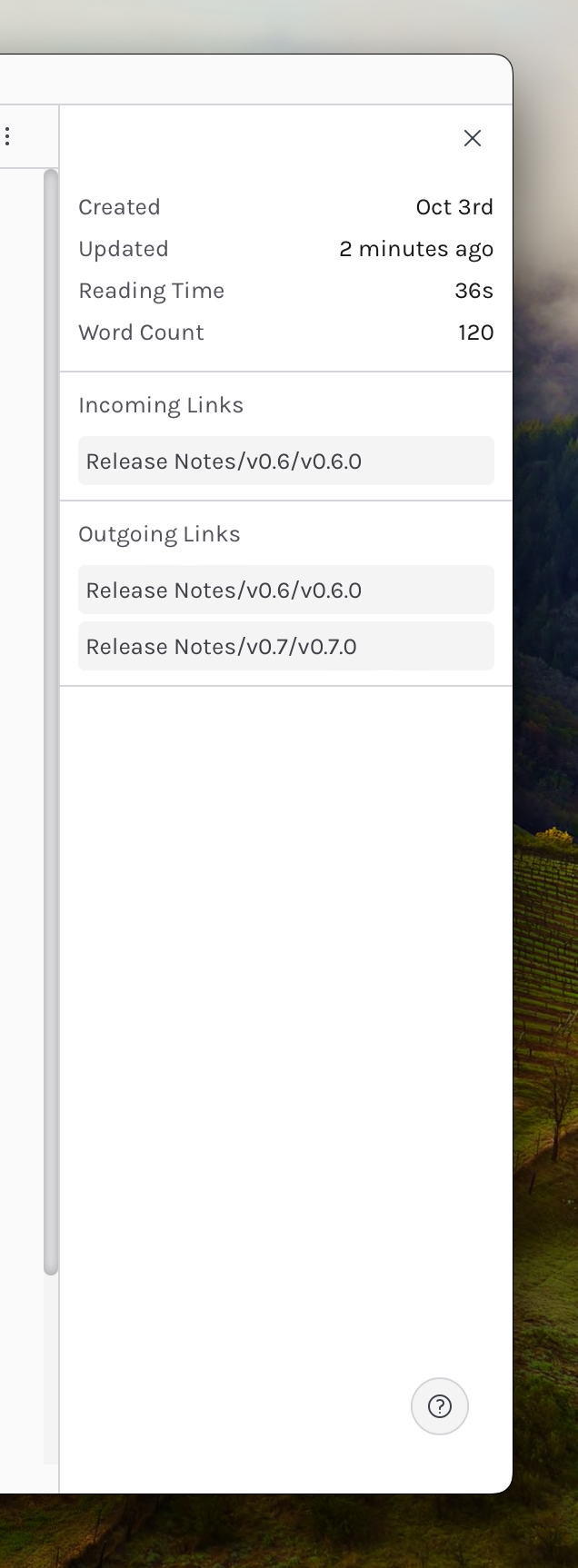
Each note has a
metasidebar associated with it, that has some stats about the note in it- Created/Updated dates
- Word Count and Reading Time (approx.)
- Incoming and Outgoing doclinks for quick access!
Another theme to the collection!
Was the Dark theme too dark and pretty to look at, so you wouldn’t concentrate on writing? I know, so we hit a middle ground, that is still just as pretty but slightly lighter! Introducing Dim
- Available in Settings → Preferences
- As well as in the
Cmd + Kbar. Search forDim
Fixes and Improvements
- Folders in sidebar now have a
numberwritten against them that states how manynotesexist inside this folder. Each number is a rollup of all notes inside each of their children folders as well. - Fixed In file search not being stickied to the top.
- Fixed Deleting from Breadcrumb dropdown not working
- Fixed lag when opening delete note modal.
- Improved time to understand if daily note has been created to instant.